LINUX
From smartphones to cars, supercomputers and home appliances, home desktops to enterprise servers, the Linux operating system is everywhere.
Linux has been around since the mid-1990s and has since reached a user-base that spans the globe. Linux is actually everywhere: It?s in your phones, your thermostats, in your cars, refrigerators, Roku devices, and televisions. It also runs most of the Internet, all of the world’s top 500 supercomputers, and the world’s stock exchanges.
But besides being the platform of choice to run desktops, servers, and embedded systems across the globe, Linux is one of the most reliable, secure and worry-free operating systems available.
What is Linux?
Just like Windows, iOS, and Mac OS, Linux is an operating system. In fact, one of the most popular platforms on the planet, Android, is powered by the Linux operating system. An operating system is software that manages all of the hardware resources associated with your desktop or laptop. To put it simply, the operating system manages the communication between your software and your hardware. Without the operating system (OS), the software wouldn?t function.
The Linux operating system comprises several different pieces:
- Bootloader – The software that manages the boot process of your computer. For most users, this will simply be a splash screen that pops up and eventually goes away to boot into the operating system.
- Kernel – This is the one piece of the whole that is actually called ?Linux?. The kernel is the core of the system and manages the CPU, memory, and peripheral devices. The kernel is the lowest level of the OS.
- Init system – This is a sub-system that bootstraps the user space and is charged with controlling daemons. One of the most widely used init systems is systemd? which also happens to be one of the most controversial. It is the init system that manages the boot process, once the initial booting is handed over from the bootloader (i.e., GRUB or GRand Unified Bootloader).
- Daemons – These are background services (printing, sound, scheduling, etc.) that either start up during boot or after you log into the desktop.
- Graphical server – This is the sub-system that displays the graphics on your monitor. It is commonly referred to as the X server or just X.
- Desktop environment – This is the piece that the users actually interact with. There are many desktop environments to choose from (GNOME, Cinnamon, Mate, Pantheon, Enlightenment, KDE, Xfce, etc.). Each desktop environment includes built-in applications (such as file managers, configuration tools, web browsers, and games).
- Applications – Desktop environments do not offer the full array of apps. Just like Windows and macOS, Linux offers thousands upon thousands of high-quality software titles that can be easily found and installed. Most modern Linux distributions (more on this below) include App Store-like tools that centralize and simplify application installation. For example, Ubuntu Linux has the Ubuntu Software Center (a rebrand of GNOME Software? Figure 1) which allows you to quickly search among the thousands of apps and install them from one centralized location.
What is a “distribution?”
Linux has a number of different versions to suit any type of user. From new users to hard-core users, you’ll find a “flavor” of Linux to match your needs. These versions are called distributions (or, in the short form, “distros”). Nearly every distribution of Linux can be downloaded for free, burned onto disk (or USB thumb drive), and installed (on as many machines as you like).
TOP 7 LINUX DISTRIBUTIONS LIST
7.PENTOO LINUX
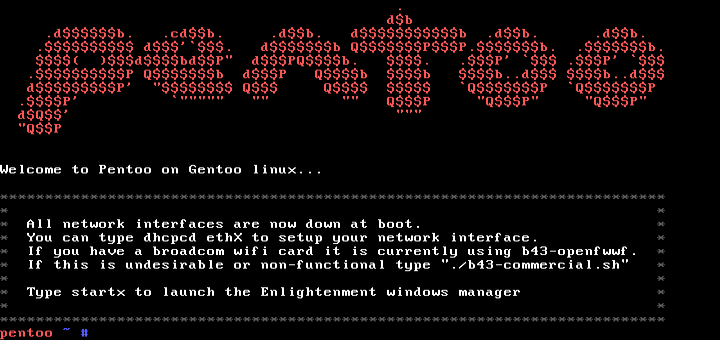
Pentoo is based on Gentoo Linux and has a focus on performing penetration testing. If you have Gentoo already installed, you can install Pentoo over that itself. The project has various developers that have been focussed on overall maintenance of the project. It supports both 32 and 64 bit systems and is available for Live boot from CD/USB. The distro has a persistence mechanism for changes to be stored in the live boot session. There are a lot of tools available for the penetration testers ranging from scanners, web application testing, cracking, database analysis, exploitation etc. to get their hands dirty with. You can download the distribution here.
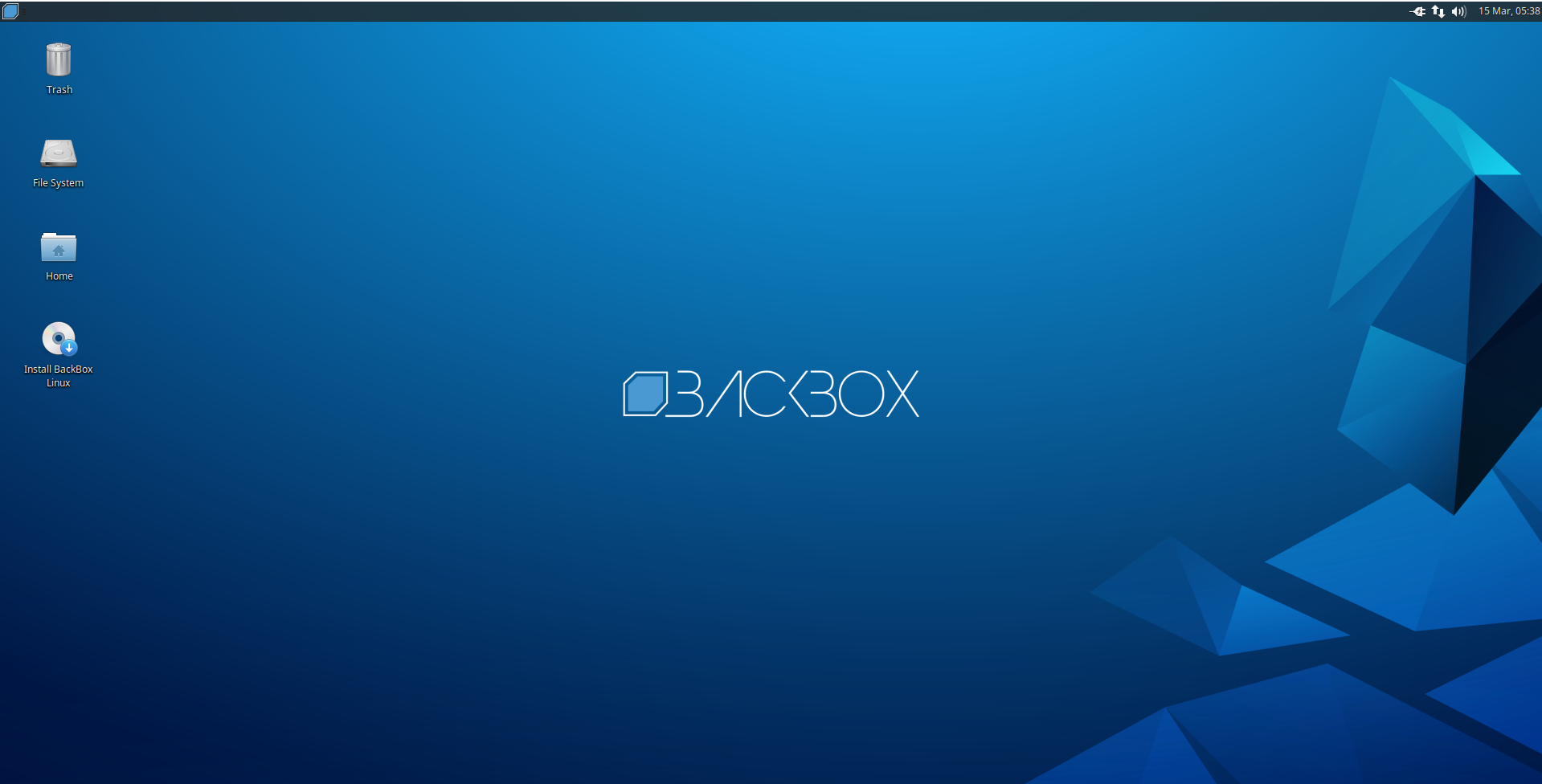
Backbox is a free open source community project that has been aimed to promote Information Security. It is an Ubuntu-based OS that is lightweight, fast, optimization-aimed and compatible with older hardware. The distro has pre-organised tools that can be used for network, system analysis, web application testing, stress testing, sniffing and vulnerability analysis, computer forensics, exploitation etc. The distro is highly customizable and users can chisel it as per need. In case you are interested to access the machine from anywhere and want it to be device agnostic, you have an option to opt for cloud version (Backbox AWS) of Backbox. You can get your hands on Backbox here.
5.Santoku
Santoku is a bootable Linux environment designed to perform security tasks only for mobiles. This is one of the rare distros that focus on mobile security and testing. It has pre-installed drivers, utilities and other prerequisites. Santoku is a Japanese chef knife that can be used to perform three functions, thus the distro is developed to cater to three areas of mobile security. You can download it here.
We will discuss this one by one in detail:
Mobile forensics: Santoku has the capability to forensically acquire and analyze data, firmware flashing and has tools for memory imaging and forensic analysis.
Mobile Malware analysis: To perform a successful malware analysis we need to have three basic requirements that are filled by this Linux distro.
(i) A malware simulation machine that can be reset. Santoku has mobile emulators for this that can be used to perform dynamic malware analysis.
(ii) Debuggers and disassemblers for static analysis of malware.
(iii) Malware sample database.
4.CAINE
CAINE stands for Computer Aided Investigation environment. This Linux distro helps security professionals to investigate and perform digital forensics jobs (also consider checking out this career guide for data science jobs). It has all the tools that can aid a digital investigator during the various phases of the investigation. The tools are graphical and simple to use. CAINE is an open source tool and has various tutorials available on the website to help you install and run various tools like Autopsy, Sleuthkit etc.
3.FEDORA
Fedora security spin is developed with an intent to teach security to the students and beginners. It is maintained by security testers and developers in order to provide a secure environment for forensic jobs and other information security auditing purpose. The distribution has most of the tools that are required for learning basics in terms of network monitoring, web application penetration, brute forcing, scanning etc. The tool list contains but is not limited to Etherape, Nmap, Medusa, Ettercap, Skipfish, SQLNinja, Wireshark etc. You can get a copy of the spin from the link given here.
2.PARROT
Parrot project started in 2013 and since then it has been regularly updated with over more than 40 version updates. The OS is Debian-based and is developed by Frozenbox team. The distro is a mix of Kali and Frozenbox OS and uses Kali repositories for tool updates. The OS is designed for penetration testing, vulnerability testing, and digital forensics. It requires a minimum of 256MB RAM and works with both 32 and 64bit systems as well and has an ARM-compatible version. Parrot OS can be installed on a cloud and updated to perform cloud-based security testing. For those who require a lightweight system, Parrot distro should be a choice for them.
1.NONE OTHER THAN KALI LINUX
Kali is one of the most popular Debian-based security Linux distros that is developed by Offensive security. It has more than 500 pre-installed tools that the community maintains and updates the repositories. The tools are categorized in various categories like – web testing, forensic, password cracking, memory forensics etc. Kali is free and can be used as a virtual machine as well as a live boot which is a perfect fit for both security testing and forensic jobs. There is a lot of help available on the internet that can help you to get started and assist if you get stuck.Its is really very advanced distro of linux with varieties of things You can download it here.
Which distribution is right for you?
Which distribution you use will depend on the answer to three simple questions:
- How skilled of a computer user are you?
- Do you prefer a modern or a standard desktop interface?
- Server or desktop?
//TELL ME IN COMMENTS BELOW WHICH ONE I MISSED AND WHICH ONE IS USED BY YOU?


Comments
Post a Comment